Telegram Notifications
What is the Telegram integration?
Section titled “What is the Telegram integration?”OnlyAI can send you real-time notifications via Telegram — for example, alerts when a model goes offline, when a significant event happens, or when your attention is needed.
Connecting Telegram
Section titled “Connecting Telegram”-
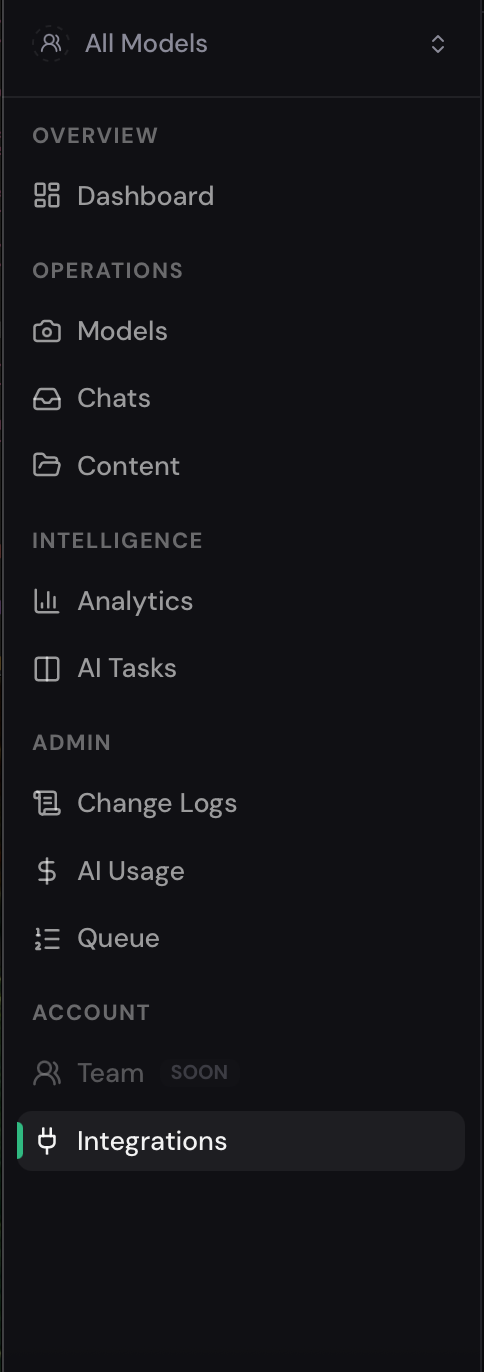
Go to Integrations in the agency sidebar (under Account).
-
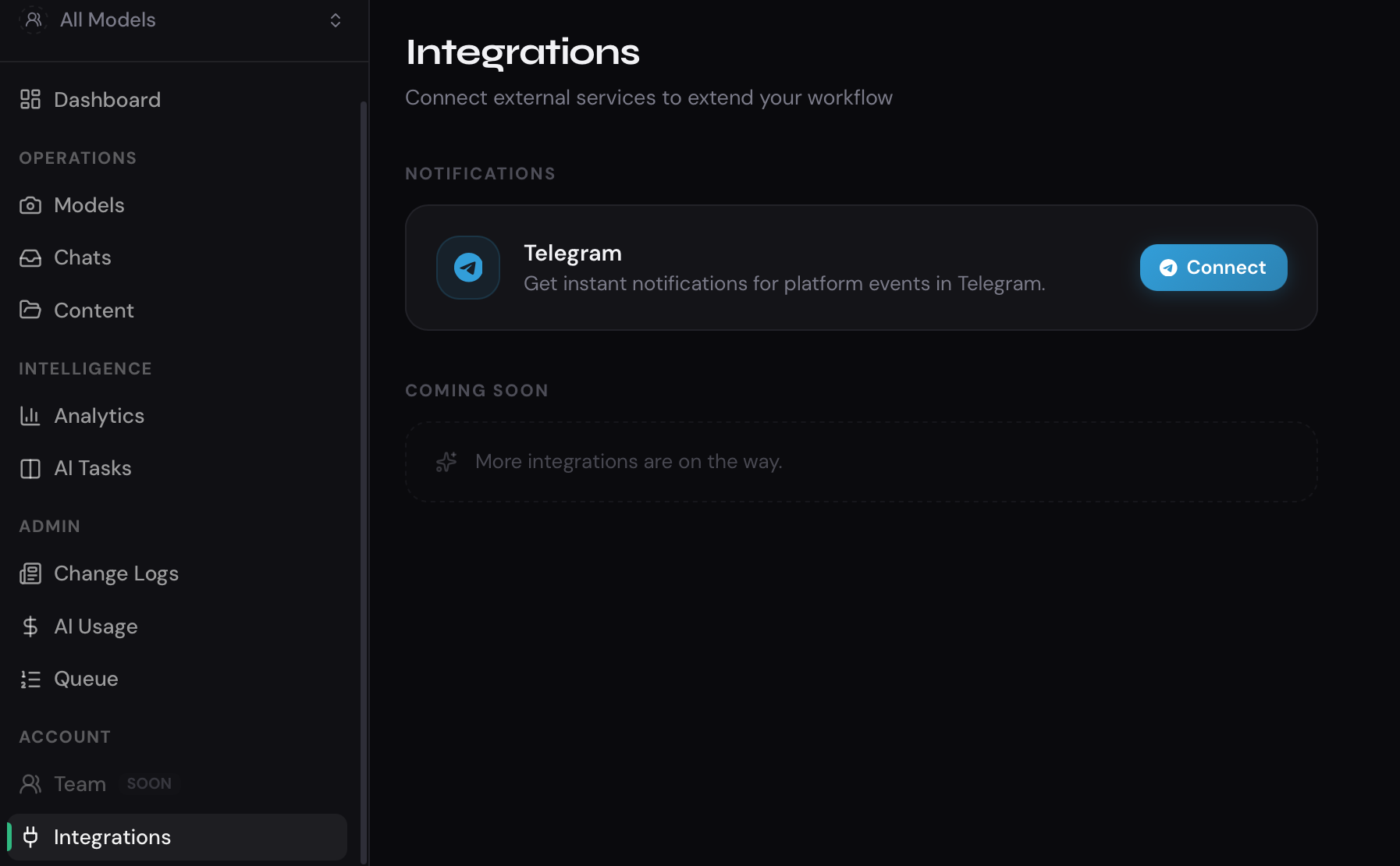
Find the Telegram card.
-
Click Connect.
-
Follow the on-screen instructions to link your Telegram account. This typically involves opening a Telegram bot link and confirming the connection.
-
Once connected, the card will show your Telegram account as linked.
Disconnecting Telegram
Section titled “Disconnecting Telegram”If you want to stop receiving notifications:
- Go to Integrations.
- Find the Telegram card.
- Click Disconnect.
Notification types
Section titled “Notification types”Notifications are sent when important platform events occur. The exact notification types are configured by the platform and may include:
- Model bot stopped or went offline.
- Sales turned off automatically.
- New model added to the agency.