Gift Folder
Gift Folder
Section titled “Gift Folder”Gift Folder is used to send free content to fans in specific situations.
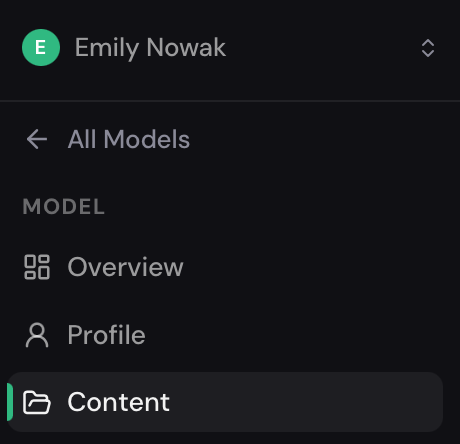
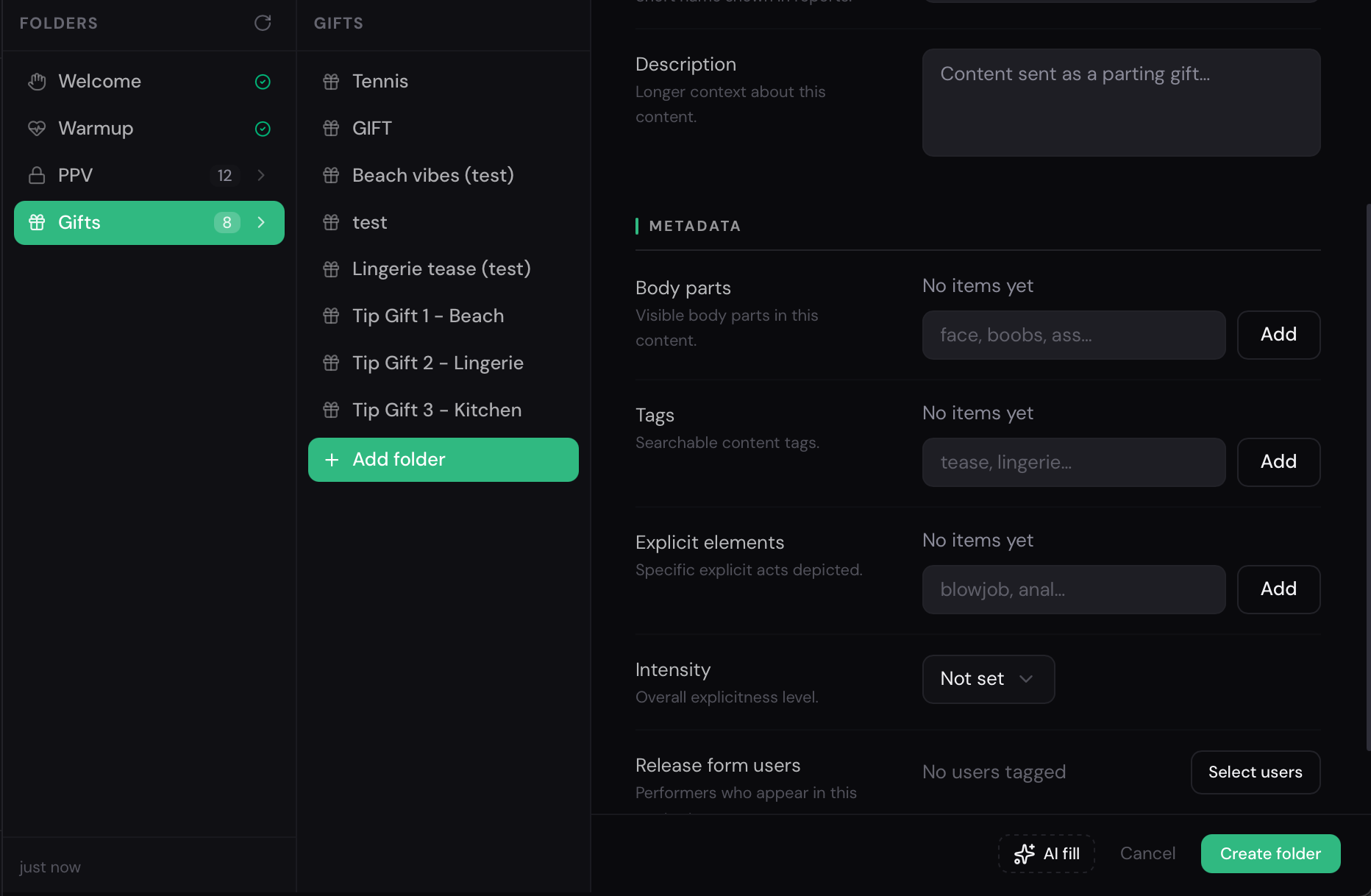
To create a Gift Folder, go to Content → Gifts and click Add Folder.
When creating a folder, you need to:
- select media files via Select Media
- enter a folder name
- fill in the description and other parameters
For faster setup, you can use the AI Fill feature, which automatically generates a description and fills in the required fields based on the selected content.
How Gift Folder Works
Section titled “How Gift Folder Works”Content inside a Gift Folder is always free and is used by AI as a gift for fans.
A gift can be sent in the following cases:
- if AI was chatting with a fan and the conversation ended with a goodbye
- if a fan sent Tips to thank the model for her content
Along with the content, AI also sends a message that accompanies the gift and makes the interaction feel more natural.