Fan Lists & Routing
What are fan lists?
Section titled “What are fan lists?”OnlyFans lets creators organize subscribers into custom lists (e.g. “VIP fans”, “free fans”, “high spenders”). OnlyAI’s Lists feature maps those OnlyFans lists to routing lanes — rules that tell the AI how to handle fans in each list differently.
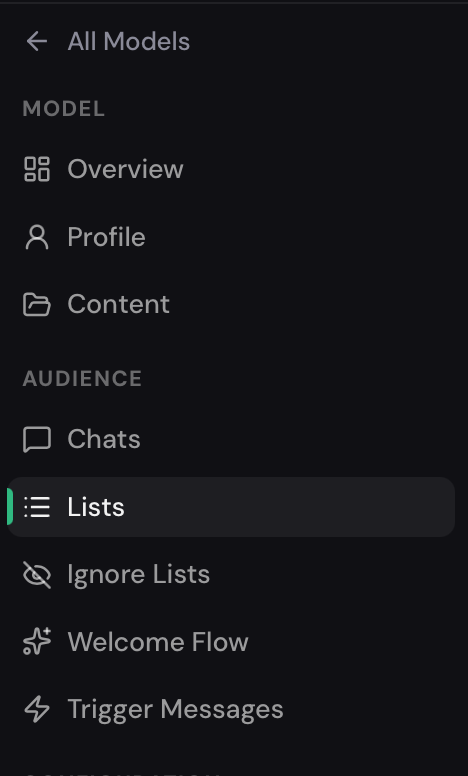
Access the Lists tab from the model sidebar: Lists.
Why use list routing?
Section titled “Why use list routing?”Different fans deserve different treatment:
- VIP fans — high spenders who should receive premium content and more personalized attention.
- Free subscribers — fans on a free trial who need a gentle push toward paid content.
Without routing, the AI treats every fan the same way. With routing, it adapts its behavior based on which list a fan belongs to.
Setting up a routing lane
Section titled “Setting up a routing lane”- Navigate to the Lists tab for the model.
- Each lane represents a routing behavior. Click Setup next to the lane you want to configure.
- Connect the lane to one or more OnlyFans custom lists using the list picker.
- Save the configuration.
List Types
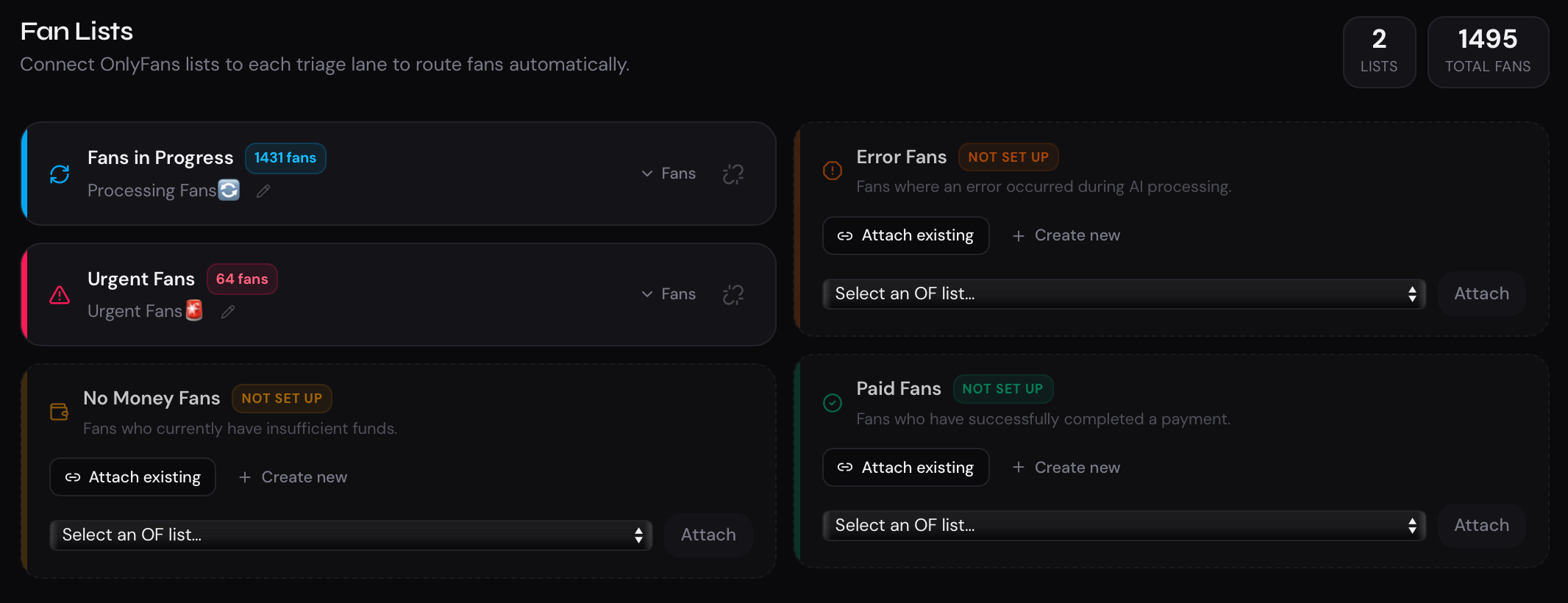
Section titled “List Types”Fans in Progress
Section titled “Fans in Progress”This block displays the number of users who are currently engaged in an active conversation with the AI.
To expand the list and view it in full, click the “Fans” button. If needed, you can link an existing OnlyFans list to this block or create a new one.
Urgent Fans
Section titled “Urgent Fans”This block displays the number of users who require manual attention from the agency or model.
Users may be automatically added to this list in the following situations:
- the fan suspects they are talking to AI;
- the fan requests custom content;
- the fan sends a tip.
To expand the list and view it in full, click the “Fans” button. If needed, you can link an existing OnlyFans list to this block or create a new one.
No Money Fans
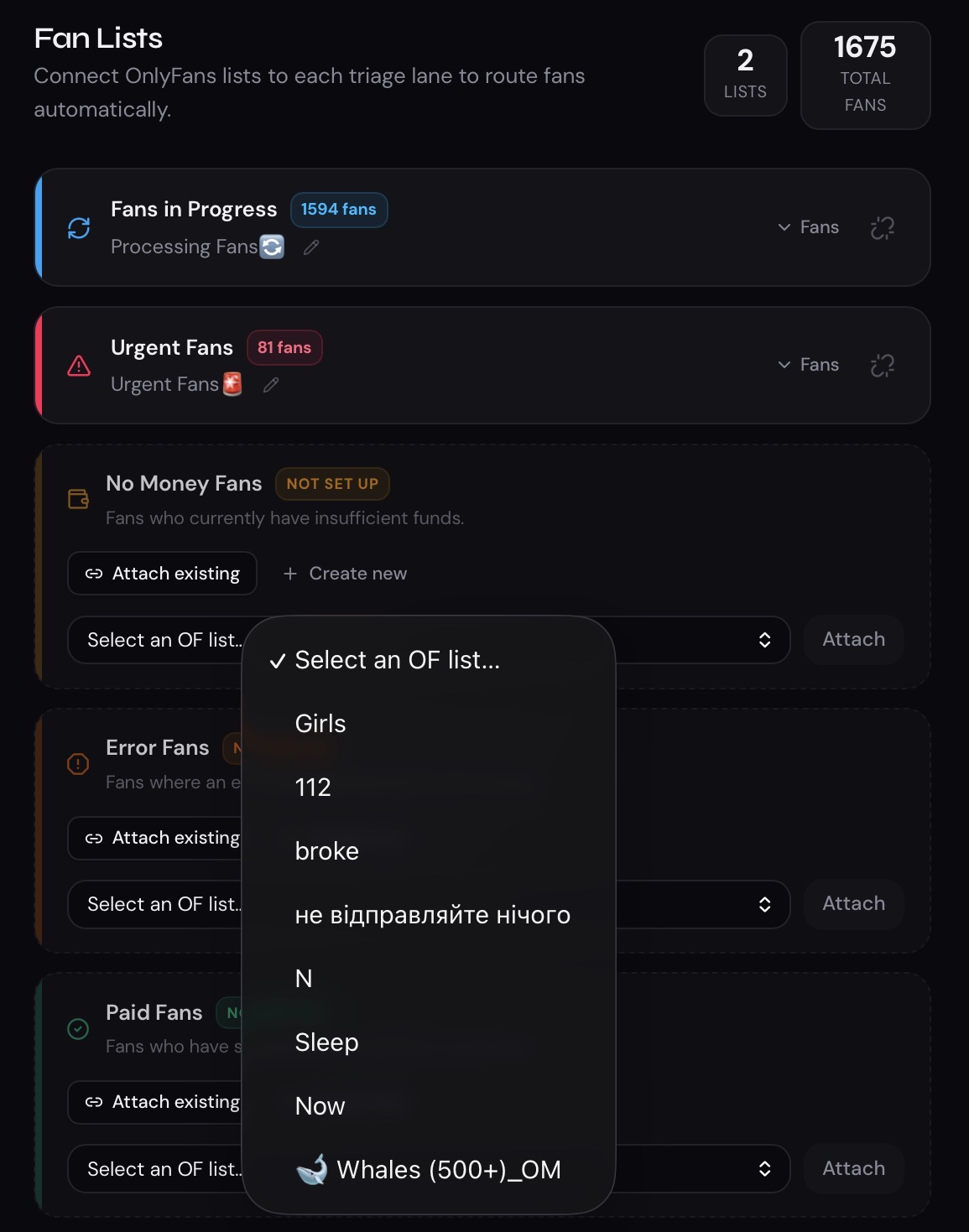
Section titled “No Money Fans”This block displays users who do not currently have sufficient funds to purchase content.
Error Fans
Section titled “Error Fans”This block displays users for whom a system error occurred during processing.
Paid Fans
Section titled “Paid Fans”This block displays users who have completed a payment. If needed, you can link an existing OnlyFans list to this block or create a new one.
The same configuration options are available for every list. You can select an existing OnlyFans list using Attach Existing or create a new one using Create New. Once linked, users will be automatically assigned to the corresponding lists according to the logic of each block.
Lane counts
Section titled “Lane counts”The Lists page shows the current fan count for each connected list. This is pulled live from OnlyFans and gives you a quick sense of how many fans are routed through each lane.
Connecting and disconnecting lists
Section titled “Connecting and disconnecting lists”To change which OnlyFans list is linked to a lane:
- Click the Connect or Edit option for the lane.
- Pick the new list from the dropdown.
- Save.
To remove a list from a lane, click Disconnect next to the linked list.