Ignore List
Ignore List
Section titled “Ignore List”The Ignore List allows you to exclude specific fans from AI processing.
If a fan is included in a selected list, the AI will not interact with them or take them into processing.
Where to Find It
Section titled “Where to Find It”Open the required model profile:
Audience → Ignore List
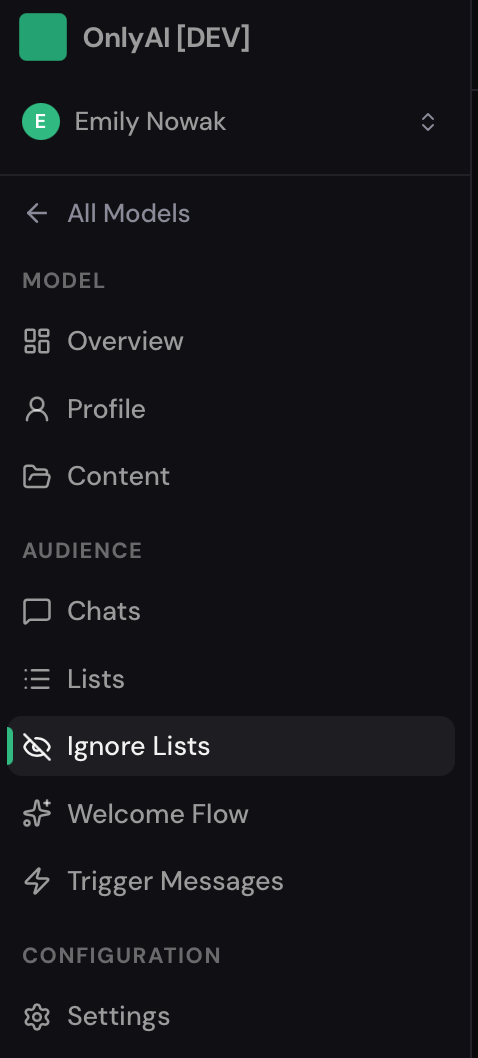
In the Ignore List section, select one or multiple lists from OnlyFans.
Once selected, the system will check whether a fan belongs to any of the specified lists. If a fan is found in one of the selected lists, the AI will skip them and will not initiate communication.
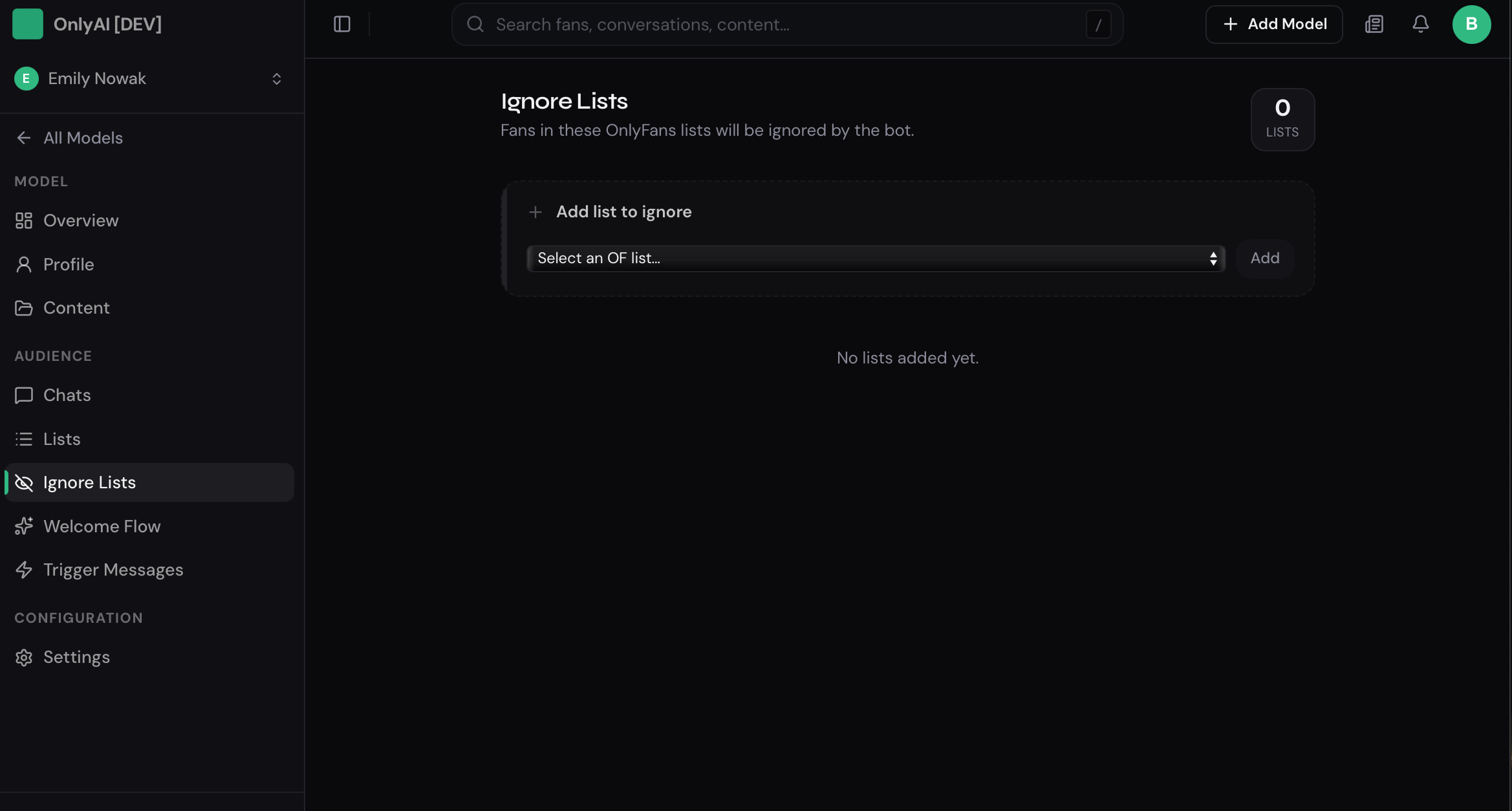
This setting is useful when certain categories of fans need to be excluded from automated processing, for example, if they are being managed manually or should remain outside of AI interactions.