Welcome & Warmup Content
Welcome content
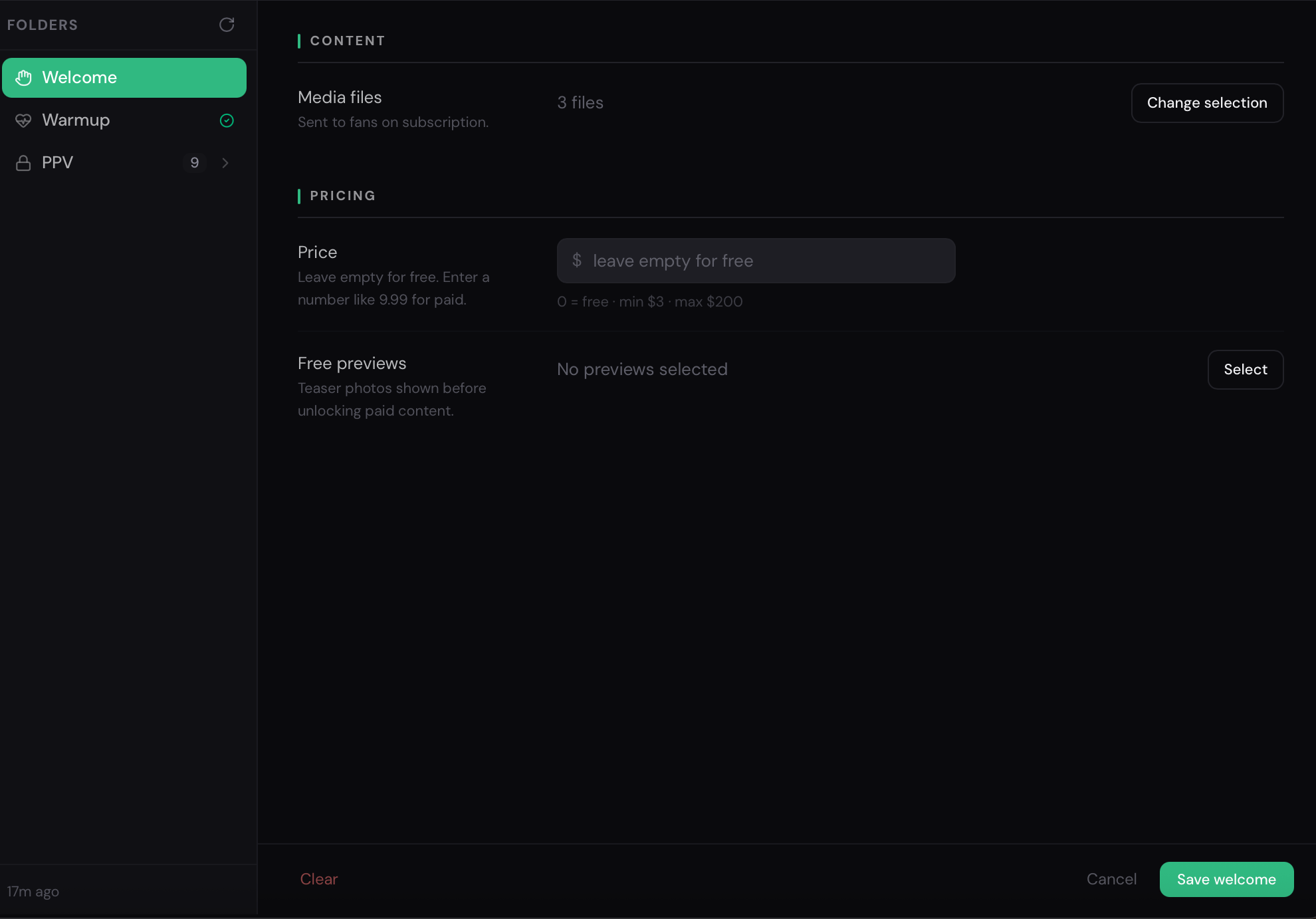
Section titled “Welcome content”The Welcome group in the content library holds media attached to the initial greeting message that new subscribers receive.
When a fan subscribes and the Welcome Flow is enabled, the AI sends a welcome message. If a welcome content folder is configured, it can attach media from that folder to the greeting.
Setting up welcome content
Section titled “Setting up welcome content”- In the Content tab, open the Welcome group.
- Click Create folder.
- Choose prise (optional)
- Choose a Vault list containing the media you want to send with welcome messages.
- Save the folder.
Warmup content
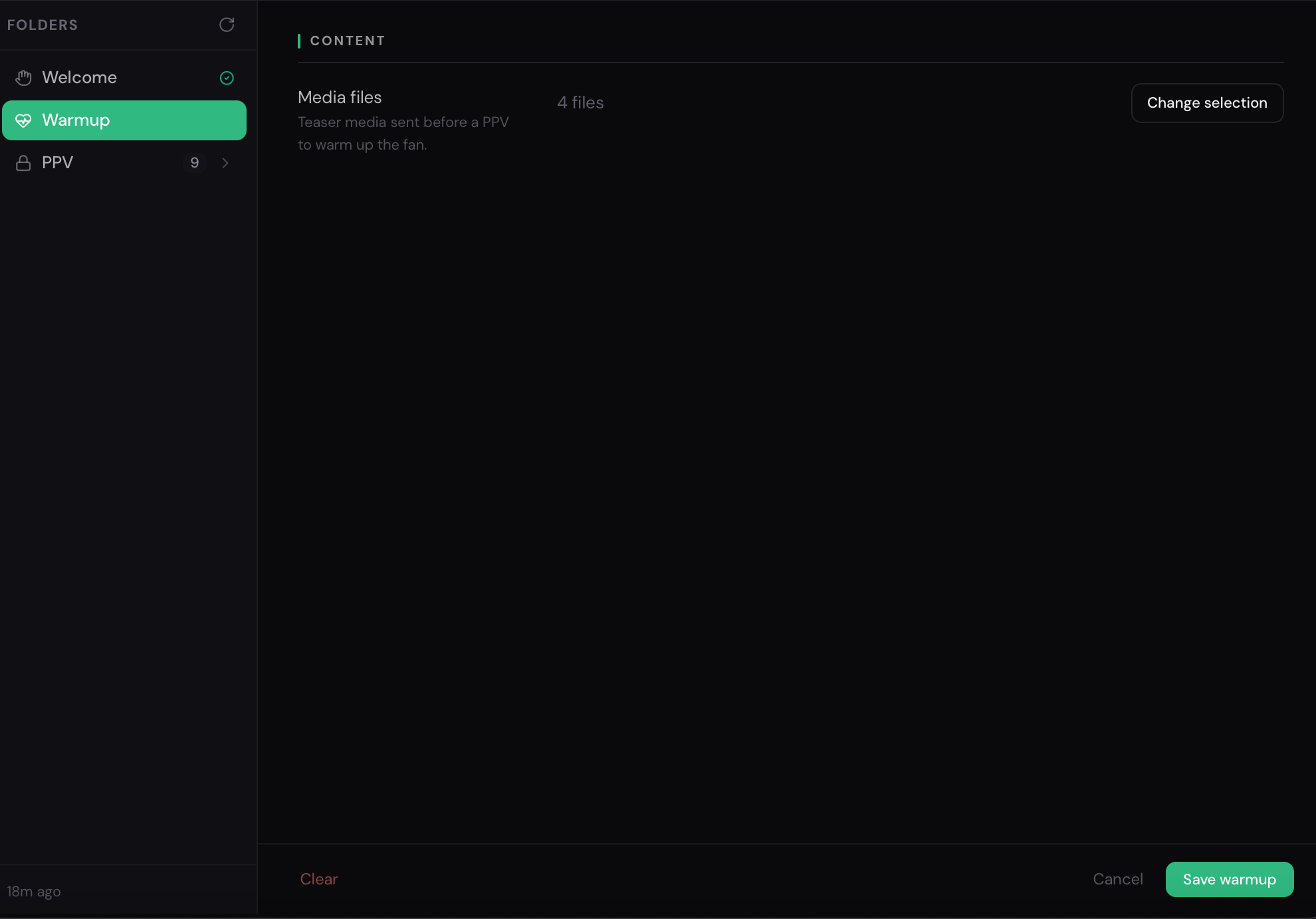
Section titled “Warmup content”The Warmup group holds media used in the warmup drip sequence — a series of messages sent to fans who have gone quiet.
The AI uses warmup content to re-engage fans and nudge them toward buying PPV content or just maintaining the relationship.
Setting up warmup content
Section titled “Setting up warmup content”- In the Content tab, open the Warmup group.
- Create one or more folders and link them to the relevant Vault lists.
- Save.
Warmup content strategy
Section titled “Warmup content strategy”Video Guide Welcome & Warm-Up Setup | OnlyAI
Section titled “Video Guide Welcome & Warm-Up Setup | OnlyAI”🔗 https://youtu.be/K-n1FrEZtXw?si=b6SCmjAmoR_OTtJy
Relationship between content and welcome flow
Section titled “Relationship between content and welcome flow”The content library holds the media. The Welcome Flow tab controls the message copy and timing. Both need to be configured for a complete new-subscriber experience.
→ See Welcome Flow setup →